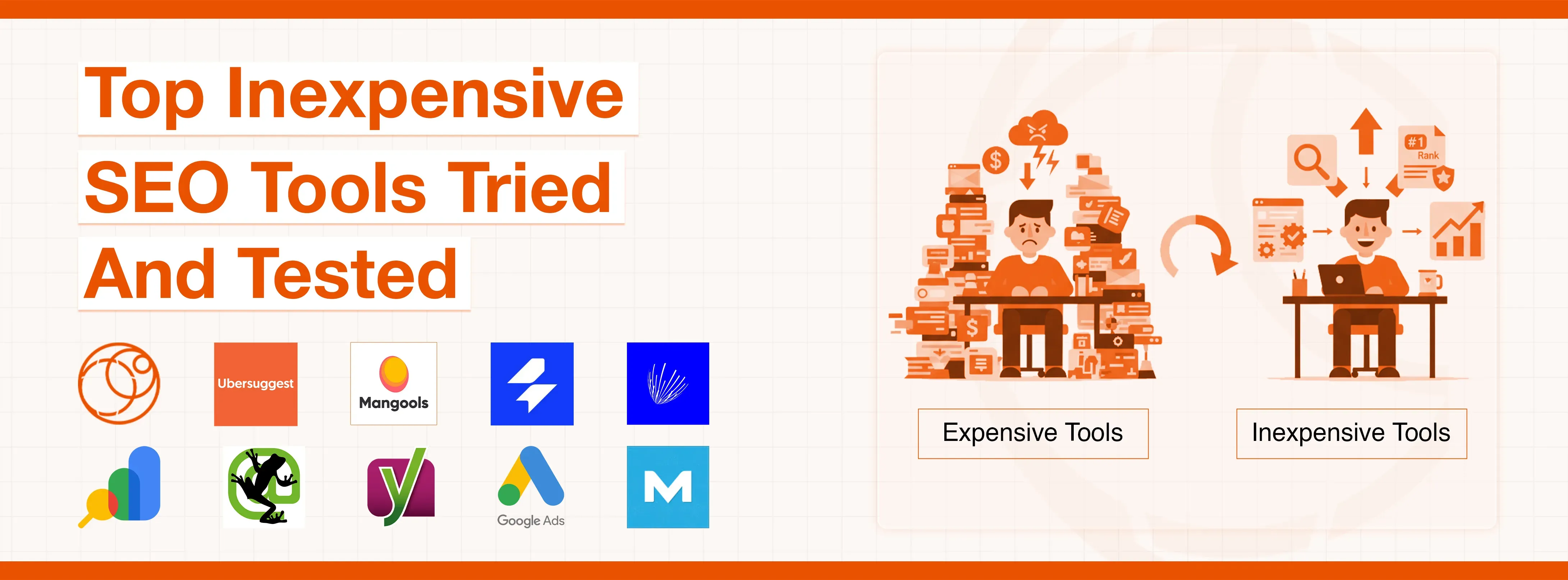
In my early days of doing SEO, I was convinced that only expensive tools could help bring results for my clients. I purchased several premium subscriptions and spent almost $400 in one month alone, as I believed that inexpensive SEO tools would not fulfill my purpose.
The key issue was that most of those advanced features sat there totally unused; I wasn't even using half of what they offered me. It was only after feeling frustrated by spending so much money on tools I didn't need that I realized the costly software wasn't necessarily enhancing my SEO skills. I had been placing too much emphasis on the wrong things altogether.
SAAGA Solve
I would like to begin with something relatively new and fresh in the market. I was particularly informed about Saaga Solve by a reliable workmate about six months ago, and was quite skeptical at the beginning since new SEO tools are being launched each and every week, but most of them tend to fade away as soon as they enter the market.
What caught my attention especially was the way they had organized everything in a single centralized suite. Rather than having to use different individual tools to research your keywords, to track the rank of your website, and to make a complete audit of your website, all these are readily available under one single dashboard, where you can conveniently use them anytime you need them.
I also extensively tested it on an e-commerce site of one of my clients, since I really wanted to know whether the data given would be precise.
The keyword search tool has been providing me with the right figures that have been in line with my current paid subscriptions. The domain authority scores were always close, and the volume of searches was in the correct range.
It obviously implied that I could readily rely on the information to make crucial decisions. The automated rank tracking has been working consistently, updating data without me having to manually refresh anything at all, so that saves me a great deal of time during my workweek.
The competitor analysis feature, which they have considerately installed as a part of the platform, is what sold me. I would just enter any competitor URL and would instantly know what particular keywords they had been ranking on and which particular pages were actively receiving the highest amount of organic traffic.
The affordable charges make Saaga Solve one of the best cheap SEO tools in the market. They charge significantly less than half of what the comparable major enterprise tools would charge customers. They also have the option of an upfront free trial that has no credit card requirement and is quite liberal to allow me to fully test everything out to the proper functionality before I am obligated to give my money.
UBER SUGGEST
I have had Ubersuggest in my consistent toolkit since the early part of 2022, and it has naturally become my primary suggestion when people frequently ask me about good, cheap SEO tool options that actually work in reality. Neil Patel originally built this useful tool, but it certainly does not have the massive, comprehensive database that Ahrefs has been widely known for throughout the year.
It covers the essential basics really well for most typical small to medium projects that I regularly work on with the various clients I handle.
The free version understandably limits you to just three searches in a single day, which initially sounds quite restrictive, but it actually works perfectly fine if you are primarily focused on a single website project at a time. I mainly use it for quick keyword research and rapid competitor checks simply because those are specifically the features that work most effectively and reliably for the needs I have. The keyword difficulty metric has been surprisingly accurate when I have carefully compared it against the actual real-world ranking results over the extended time periods I observed.
One particularly valuable feature that recently saved me considerable trouble and time was the comprehensive site audit tool that they have helpfully included as part of the platform features. I ran it thoroughly on a client's WordPress site and surprisingly discovered they had exactly 18 broken internal links that were seriously damaging their overall user experience and the navigation flow throughout the site.
We also found problematic duplicate meta descriptions on approximately 25 different pages scattered across the website, and efficiently fixed all of that in one productive afternoon session, which made a significant difference.
I successfully grabbed a lifetime deal on Ubersuggest back in 2023 during one of their special, limited promotional offers. I paid around 120 dollars just once as a one-time payment, and I have never had to worry about recurring monthly fees again, which has been extremely beneficial for managing my operational budget efficiently throughout the work.
MANGOOLS
Mangools has been my primary and most reliable keyword research tool for the past three years simply because it does something genuinely important and unique compared to the other tools available.
Their main flagship product is specifically called KWFinder, and it effectively shows you the realistic keywords you can actually rank for based directly on your website's current authority level, which most of the competing tools simply do not do particularly well.
The way I regularly use it is pretty straightforward and has been working exceptionally well for all my needs over an extended period. I carefully type in a relevant seed keyword that is related to my client's specific niche area, and KWFinder quickly spits out hundreds of useful variations along with the detailed difficulty scores that genuinely help me make the informed strategic decisions I need.
But the comprehensive SERP analysis is where it truly gets most useful because it clearly shows me exactly who is currently ranking in the top 10 positions for each keyword, with all the complete details I need to see.
Just last week, I was diligently doing extensive research for a new client who operates in the competitive home improvement space and found a keyword with reasonably decent search volume that looked quite promising initially when I first saw it.
But when I carefully checked the detailed SERP analysis, every single result in the top 10 positions had a domain authority significantly above 65, so my client's site was only sitting at a modest 22, and we obviously had no realistic chance of competing there at all.
Instead, I strategically found another related term where the top-ranking results were considerably weaker and more manageable. We have been actively building targeted content around that particular keyword because it makes much more practical sense for achieving the actual results we want.
Mangools also conveniently includes LinkMiner for thorough backlink analysis work and SERPWatcher for accurately tracking your rankings over extended time periods. The entire comprehensive suite costs substantially less than what most of the limited single-feature tools typically charge their customers. It makes it one of the more inexpensive SEO tools that still reliably delivers the professional-level, accurate data you need for serious work.
SE RANKING
Someone had specifically mentioned SE Ranking in a popular SEO forum back in the year 2023, and I decided to give it a try with their generous trial period they were offering. What genuinely surprised me was how much extensive functionality they had carefully packed into a comprehensive platform.
It costs maybe just a third of what SEMrush regularly charges its customers monthly. So, I was immediately impressed with the overall value proposition they were clearly offering to users.
The automated rank tracking has been impressively accurate in all my thorough testing because I have carefully compared its specific numbers against the manual searches I do and the official Google Search Console data regularly for verification.
They consistently match up about 95 percent of the time accurately, which is quite high, and that level of precision really matters significantly because you are constantly making important strategic decisions based directly on this critical information you receive.
Their comprehensive site audit tool found several notable technical issues on my personal website that I had completely overlooked for many months without even noticing them at all. It turned out that I had schema markup errors on about a dozen important pages throughout my site, and those particular errors were actively preventing Google from properly understanding my content structure.
I carefully fixed those specific issues based entirely on SE Ranking's detailed recommendations and guidelines. I saw a small but noticeable improvement in the overall click-through rates within just a few weeks of making those changes.
ANSWER THE PUBLIC
When my brain is completely tired and exhausted, and I desperately need fresh content ideas quickly for my projects, AnswerThePublic has been my reliable tool for the past two years of content work. It is remarkably simple in its design, but it has been consistently effective for the strategic content planning purposes I use it for.
You simply type in a broad keyword related to your topic, and it immediately shows you every specific question people are actively asking about that particular topic across the major search engines, which gives you genuinely valuable insight into the real user intent.
The free version generously gives you a couple of searches per day, which might seem limited, and that has always been perfectly sufficient for my basic planning needs throughout my work. I used it just last month for a client who operates in the competitive fitness industry space, and we typed in protein powder as our seed term to explore.
We got back approximately 300 different specific questions people were actively searching for, like what protein powder is best for beginners who are just starting, and when to drink protein powder for achieving weight loss goals effectively.
We strategically turned those specific questions into individual comprehensive blog posts, and we made absolutely sure that each one thoroughly answered the question completely and accurately with proper information. Within just one month of publishing, five of those particular posts were successfully ranking on the first page for their specific target questions because we had directly addressed exactly what people genuinely wanted to know and understand.
This proven approach works consistently well because you are literally answering precisely what people want to know, which is exactly what Google wants to show them in the search results they display.
While it is not technically an automated content writing tool that writes the content automatically for you without any input, it gives you valuable raw material and question ideas to create content that is aligned with the real search intent and the user needs you are targeting.
GOOGLE SEARCH CONSOLE
Google Search Console is not particularly flashy or new in any way, but it has been the essential foundation of everything I have been doing since I started working professionally in 2021.
Every single SEO project I take on begins with getting the proper access to the client's Search Console account because that is precisely where the most reliable and real data lives, and you simply cannot work effectively without having access to it at all.
The performance report section is where I spend most of my valuable time because it shows me every single keyword that is bringing organic traffic to the website I am working on. It tells me exactly how many impressions each page gets and what the click-through rate percentage is.
So I have been actively using this valuable data to identify the pages that are ranking in positions 8 through 15 because those particular pages are usually the easiest ones to push onto the first page with some targeted optimization work and effort.
The coverage report has literally saved multiple projects from complete disaster situations, and I cannot stress this point enough to the new SEO professionals who are starting. Just a few months ago, it promptly alerted me that a client's developer had accidentally added a noindex tag to an entire major section during a routine website redesign they were doing.
We caught it within just 48 hours because of that timely alert notification, and without the Search Console monitoring actively, those particular pages might have stayed completely deindexed for several weeks or even months before anyone would have noticed the significant traffic drop occurring.
SCREAMING FROG
Screaming Frog has been a consistent and reliable part of my standard workflow since 2021. The free version crawls up to 500 URLs effectively, which is quite generous. That completely covers most of the typical small business websites entirely, and it lets you thoroughly audit the specific sections of larger sites, which has been quite useful for doing focused analysis work on particular areas.
What makes it genuinely valuable is how quickly it collects the comprehensive technical data that would otherwise take many hours to gather manually if you were doing it yourself. I can crawl an entire site and will immediately see every single title tag, meta description, and H1 heading on the entire website, systematically organized in clear columns.
Just last week, I found duplicate title tags on exactly 22 pages of a client's site within approximately five minutes of running the initial crawl, so that was a huge time saver that let me address the issues quickly before they caused problems.
The tool does have a moderate learning curve if you are not already familiar with the technical SEO concepts and the terminology used in the field. But once you properly understand what each specific column represents and means, it becomes incredibly efficient for identifying the issues that seriously hurt the search performance and the user experience on websites.
YOAST SEO
If you are currently running a WordPress site for your business or content, Yoast SEO is probably already installed on your website by default since it comes with most installations. But most people just let it sit there doing the basic stuff without really using its powerful features properly and taking full advantage, and that is genuinely a waste of the potential it offers.
I have been actively working with it since 2022, when I switched fully to WordPress, and it has become an essential and integral part of my content creation process because it catches the mistakes before they become serious problems that affect rankings.
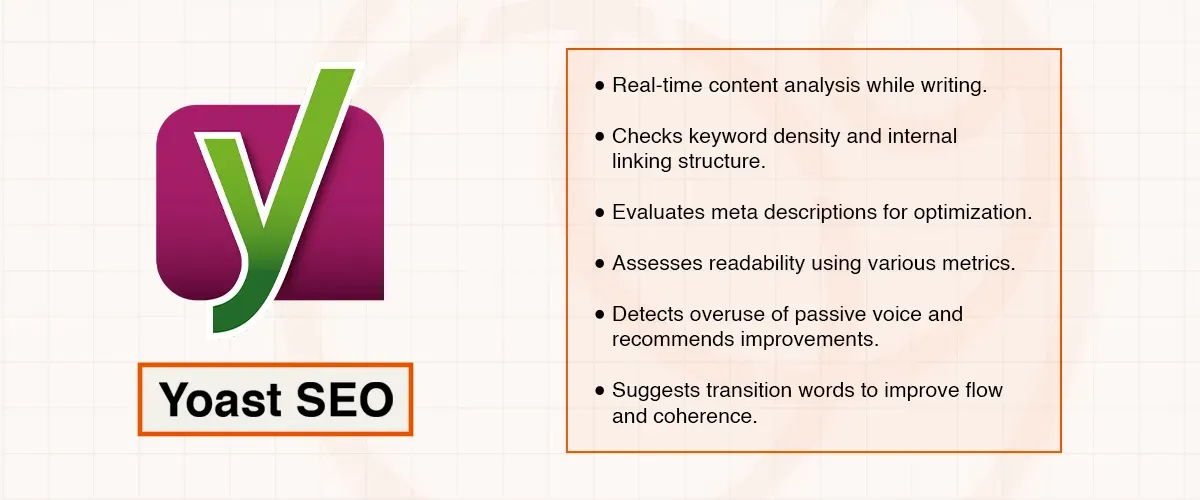
The free version analyzes your content in real time as you write it, which is quite helpful, and it checks the keyword density while carefully looking at your internal linking structure throughout. It evaluates the meta descriptions and scores your content for readability comprehensively using various metrics.
While it is not as sophisticated as some of the expensive enterprise-level platforms available, it catches the obvious mistakes before they go live on your site for everyone to see. It points out when you are overusing the passive voice excessively, and it suggests the specific places where you need the transition words for better flow and coherence.
This has helped me create content that ranks well in search results but also reads naturally for actual humans visiting the site, and that is exactly what these inexpensive SEO tools should do effectively for their users.
GOOGLE KEYWORD PLANNER
Google Keyword Planner was the very first keyword research tool I ever used back when I started in 2021, and it is still very much part of my regular workflow today for planning. It is completely free as long as you have a Google Ads account, which is also free to set up, even if you never actually run a single ad campaign on the platform.
The data comes directly from Google's own massive search database, so it is inherently more reliable than the third-party tools that estimate their numbers based on sampling methods. I have noticed over time that the search volume figures here tend to be more accurate than what I see in some of the paid platforms I have tested, which means I can confidently trust them for making the strategic decisions I need to make.
What I use it for most frequently is finding the related keywords that I would not have thought of on my own without this tool's help. You simply type in one seed keyword, and it suggests dozens of useful variations, complete with the monthly search volumes. This really helps me build out the comprehensive content plans that cover the related topics thoroughly and systematically.
MOZ BAR
MozBar is a Chrome extension that has been installed in my browser consistently for the past three years of my work. It is completely free, and it adds the SEO metrics directly to any page you visit, which makes the competitor research significantly faster than it used to be previously, when I had to check each site manually.
When I am analyzing the search results for keywords I want to target for my clients, MozBar shows me the Domain Authority and the Page Authority right there in the Google search results immediately.
This helps me quickly assess whether I have a realistic chance of ranking for that particular keyword competitively or if I should look for easier opportunities first, strategically, before investing time and effort.
The SERP overlay feature is what I use daily in my work because, instead of clicking through to each competitor's site individually and checking them one by one, I can see their authority metrics right in the search results immediately without any extra steps.
This probably saves me at least 30 minutes of research time every single day, and that time adds up significantly over the weeks and months of continuous work.
Final Thoughts
After spending four years thoroughly testing various tools on dozens of different client websites across multiple industries, I have learned that success depends much more on consistent execution than on having expensive subscriptions to premium tools.
The best cheap SEO tools will not magically rank your website automatically without any effort, but they give you the valuable information you genuinely need to make smart decisions about content strategy and the overall strategy consistently over time.
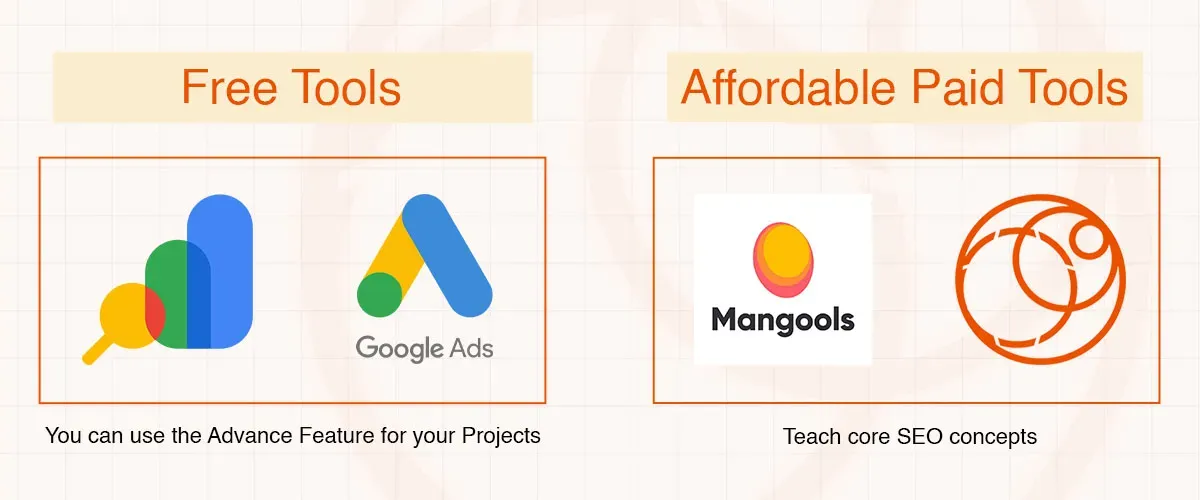
Start with the completely free options like Google Search Console and Google Keyword Planner because they will teach you the fundamental concepts properly and thoroughly. Then you should add one or two paid tools like Saaga Solve or Mangools when you actually need the more advanced features for your work.