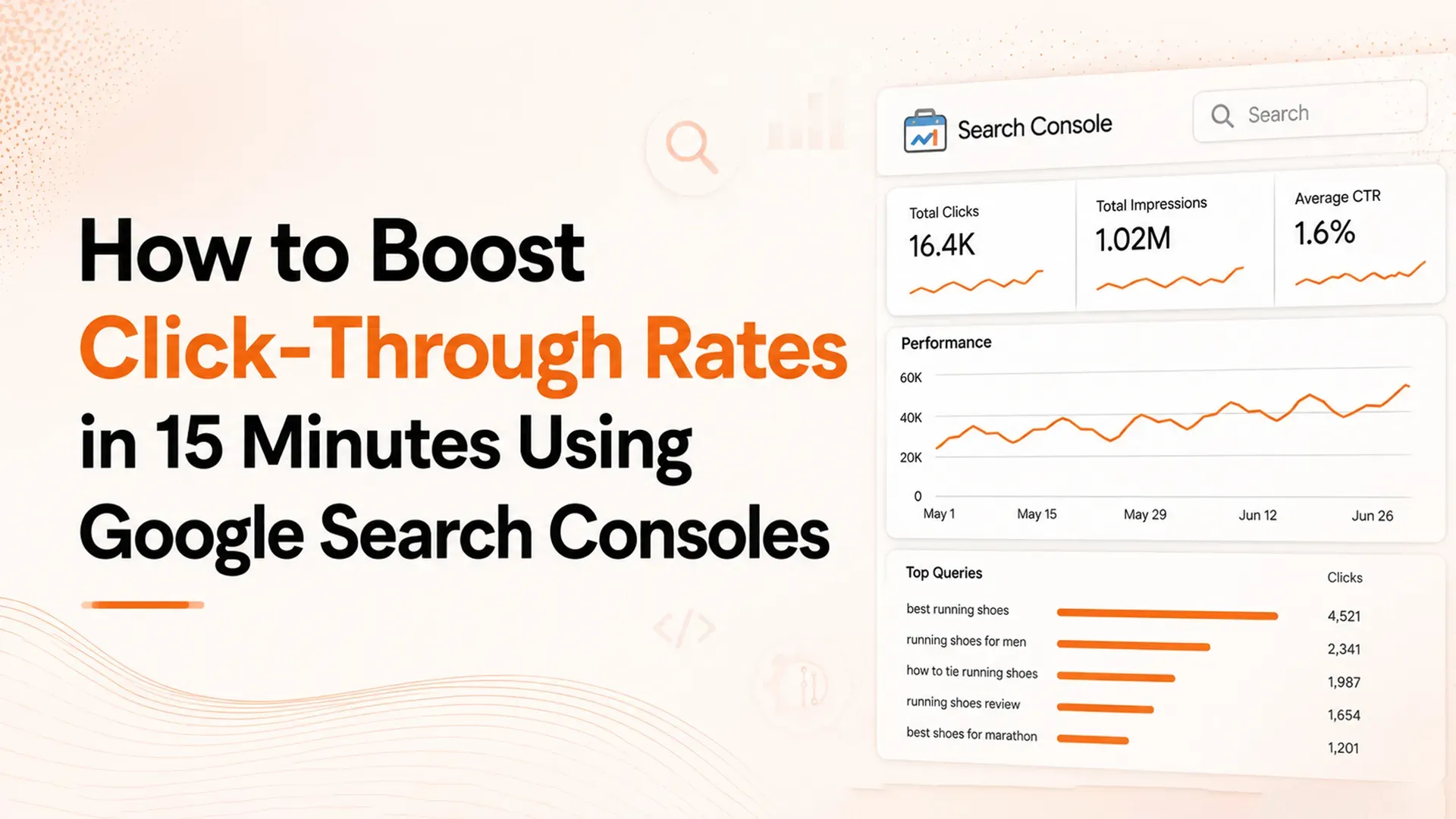
How to Use GSC Data to Optimize Title Tags
TL;DR: Optimizing SEO title tags using Google Search Console data is one of the fastest SEO quick wins available for existing pages. By extracting the top 3 non-branded keywords GSC already associates with each page and appending them to the title tag, most pages see a 10% lift in impressions and a 5% increase in clicks within weeks.
Many SEO professionals spend their time on technical audits, large-scale content campaigns, and long-term link-building efforts, while overlooking one of the most valuable opportunities already available in Google Search Console. Google's organic search impressions data reveals the keywords it already associates with each page, but many title tags do not include those same terms. When there is a mismatch between Google's understanding of a page and the keywords used in its title tag, it creates a simple yet powerful opportunity for SEO quick wins.
SEO consultant Laura Cardona has applied this title tag optimization strategy across numerous client websites and has seen consistently strong outcomes. Based on Google Search Console performance report data, the approach has delivered an average 10% increase in impressions and a 5% improvement in clicks. Since it does not require creating new content and can be implemented quickly, it stands out as one of the highest-ROI SEO quick wins for businesses, marketers, and agencies looking to improve search performance efficiently.
Why Title Tag Optimization Delivers One of the Best SEO Quick Wins
Title tags are still among the strongest on-page SEO signals Google relies on to understand a page's topic and keyword relevance. In search results, the title tag also acts as the main headline users see, making it a key factor in improving search engine results page (SERP) click-through rates (CTR). Although title tags play an important role in both rankings and user engagement, many websites miss valuable opportunities by not aligning their SEO title tags with real search query data.
This gap usually happens because website owners create title tags based on what they believe users are searching for instead of using insights from Google Search Console. For example, a plumbing business may use a title like "Professional Plumbing Services," while GSC data shows the page is actually receiving impressions for searches such as "24 hour plumber near me" or "emergency plumber Fort Mill." When title tags do not reflect the queries Google already associates with a page, keyword relevance becomes weaker, and users are less likely to click on the result.
The Data Behind the Technique
Testing across a wide range of client websites has consistently shown measurable improvements when title tags are updated using keyword insights from the Google Search Console Performance report. Pages that undergo this title tag optimization process often experience an average 10% increase in organic search impressions and a 5% boost in clicks within just a few weeks of implementation.
These improvements happen because Google receives a stronger signal that the page aligns with user search intent. When the meta title tag includes the exact non-branded keywords already generating impressions, it reinforces the connection between the page content and the search queries Google associates with it. As a result, the page can gain better visibility for those keywords and closely related searches.
What makes this one of the most effective SEO quick wins is how quickly it can be implemented compared to other optimization methods. Content marketing campaigns may take months before producing measurable results, while link-building requires continuous outreach and relationship building. Technical SEO improvements often depend on developer resources and lengthy testing. In contrast, optimizing title tags with Google Search Console data can take as little as 30 minutes for smaller websites and can be automated efficiently across larger sites.
Why Most SEOs Miss This Opportunity
Many SEO professionals miss this opportunity because they spend their time crafting title tags from scratch rather than using the keyword insights already available in Google Search Console. Traditional workflows typically rely on keyword research tools, competitor analysis, and informed assumptions about which search terms are most valuable. Although these methods are useful, they often overlook the most reliable source of keyword data (the search queries Google already connects with each page based on real user behaviour).
Another reason this strategy is often ignored is the amount of manual work involved. Extracting GSC data for dozens or even hundreds of pages, identifying the highest-performing non-branded keywords for every URL, and updating title tags within a content management system can be a lengthy process. For large websites with thousands of pages, this workflow quickly becomes impractical. However, modern SEO automation and AI-powered workflow tools have made it possible to automate much of this process, removing one of the biggest barriers to implementation.
The GSC Keyword Hack Step by Step
This title tag optimization method follows a simple four-step process that can be completed manually for smaller websites or automated for larger ones. The core idea is to use Google Search Console as the primary source of truth for identifying the keywords that are already generating impressions and clicks for each page.
Connect Google Search Console and Identify Your Top Pages
Start by accessing your website's Google Search Console account and reviewing the Pages report. This report highlights the URLs generating the most organic clicks and impressions. Sort the data by clicks to identify the pages that already attract the highest levels of search traffic, as these offer the strongest opportunities for optimization.
If you are working with limited time or resources, prioritize the top 10–20 pages based on organic traffic. Since these pages have already earned Google's trust for specific search queries, they are excellent candidates for page title SEO improvements. For larger websites or teams using automated SEO solutions, the same process can be scaled to analyze hundreds or even thousands of pages at once.
At this stage, the objective is to build a list of pages worth optimizing. Skip URLs that already rank in positions 1 to 3 for their main target keywords, as title tag updates are less likely to produce significant gains. Instead, concentrate on pages ranking between positions 4 and 20, where stronger keyword alignment can lead to noticeable improvements in search visibility.
Extract the Top 3 Non-Branded Keywords Per Page
For every page you have selected, filter the Google Search Console query report by URL to view all the search terms that generated impressions for that specific page. Export the query data, then identify the top three non-branded keywords based on either total impressions or click volume.
Focusing on non-branded keywords is essential. Branded searches generally have strong rankings and high conversion rates regardless of title tag best practices because users are already familiar with the business. The real opportunity comes from non-branded, informational, and commercial-intent queries, where potential customers are still comparing options. These searches offer the greatest potential for increased visibility and traffic.
For instance, a plumbing company's page may receive branded searches such as "precision plumbing pro" along with non-branded queries like "24 hour plumber near me," "emergency plumber Fort Mill," and "plumber Fort Mill South Carolina." The optimization strategy targets only the non-branded keywords, as they help attract users who are searching for a service but have not yet discovered the business.
Append Keywords to the Title Tag Using the Piping Convention
After identifying the top three non-branded keywords for each page, update the meta title tag to include them. Instead of rewriting the entire title, simply append the keywords to the existing title using the pipe character (|). This approach preserves the original title while strengthening its keyword relevance.
The recommended format is:
"Original Page Title | Keyword A | Keyword B | Keyword C"
For example, in the Precision Plumbing Pro case study, the optimized title was:
"Fort Mill Plumber, Precision Plumbing Pro | 24 Hour Plumber Near Me | Emergency Service Near Me | Plumber Fort Mill South Carolina"
Using the pipe (|) convention allows you to retain your branding and the original page title while incorporating the additional keyword signals that help Google better understand the page's relevance. Some SEO professionals hesitate to use this method because the resulting SEO title tags may exceed Google's approximate 60-character display limit. In reality, this is rarely a major issue, as Google often truncates longer titles in search results or rewrites them dynamically based on the user's search query.
Verify and Monitor Results
After updating title tags through the WordPress admin panel, Yoast SEO plugin, Rank Math, Webflow settings, or other CMS tools, make sure the changes were applied correctly. Check the page source to confirm that the updated meta title tag is showing, then use the Google Search Console URL Inspection tool to request indexing for the updated pages.
During the next two to four weeks, keep an eye on the Google Search Console Performance report to see how the changes are affecting results. Focus on impressions and clicks for the targeted non-branded keywords, and review overall page performance to make sure the optimization is producing positive results without hurting existing rankings or creating keyword cannibalization.
Real-World Case Study
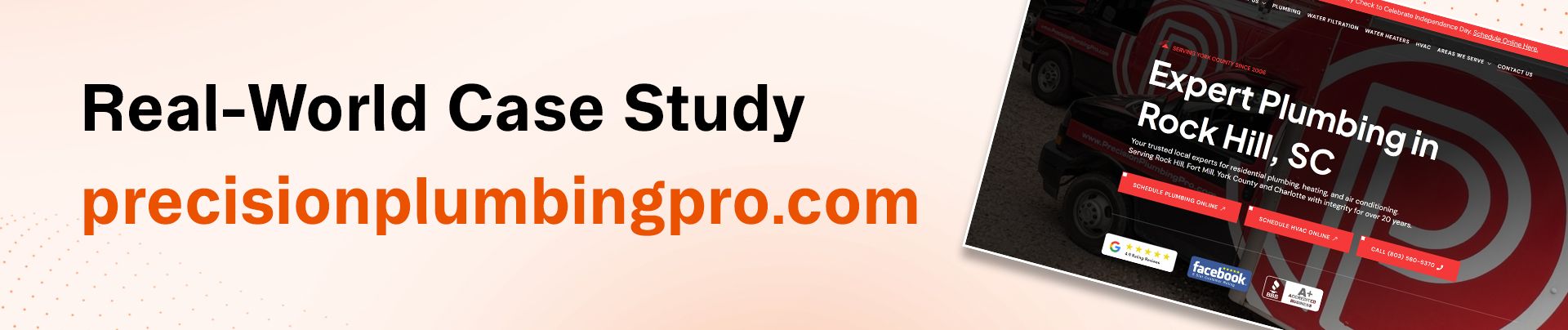
One of the best ways to understand this title tag optimization strategy is by looking at a real-world example. Laura Cardona's work with precisionplumbingpro.com clearly illustrates both the implementation process and the results achieved when Google Search Console data is used to guide page title SEO decisions.
Before What the Title Tags Looked Like
Before the optimization, the plumbing company's pages relied on generic, brand-centric title tags that did not include the non-branded keywords users were actively searching for. A typical example was "Professional Plumbing Services | Precision Plumbing Pro," which lacked important search terms related to location, emergency services, and 24-hour availability that potential customers were using in Google.
After The SaagaSolve-Automated Result
With SaagaSolve's AI-powered SEO automation platform and its WordPress integration, the entire optimization process was completed automatically. The system connected to Google Search Console, identified the top non-branded keywords for each target page, and updated the title tags through the Yoast SEO plugin without requiring any manual work.
As a result, the title tag for the Fort Mill service page was updated to:
"Fort Mill Plumber, Precision Plumbing Pro | 24 Hour Plumber Near Me | Emergency Service Near Me | Plumber Fort Mill South Carolina"
Key Caveats Branded Keywords, Truncation, and Newer Sites
This case study highlights several important points to keep in mind when applying this SEO quick wins strategy. During the initial automated run, the system included branded keywords such as "precision plumbing pro" in the extracted keyword list. Because branded searches already tend to rank well and offer limited growth potential, the workflow was refined to extract only the top three non-branded keywords, resulting in more effective optimization.
How SaagaSolve Automates the Entire Workflow
Executing this title tag optimization strategy manually can be a time-consuming task, even for experienced SEO professionals. Collecting Google Search Console data across multiple pages, identifying the most valuable non-branded keywords, formatting optimized title tags, and updating them within a CMS can take several hours or even days for larger websites. Today, AI-powered SEO automation tools streamline this entire workflow, removing the need for repetitive manual effort.
GSC Plus WordPress, Yoast, and Webflow Integration
SaagaSolve's platform integrates directly with Google Search Console and leading content management systems through native connections. This seamless integration enables the platform to retrieve performance data and automatically update title tags without the need for manual data transfers, CSV exports, or other repetitive steps.
Scaling from 3 Pages to 10,000 Pages
The real advantage of SEO automation becomes clear when managing large websites. With SaagaSolve's approach, optimizing three pages follows the same workflow as optimizing 10,000 pages. The exact prompt used for a small set of pages can be applied across an entire website by simply expanding the scope, making large-scale automated SEO both efficient and consistent.
What the Agent Does Step-by-Step Automation
Understanding the automated workflow helps clarify how agentic SEO tools replicate and exceed manual optimization processes. When instructed to automate title tag updates, SaagaSolve's agent executes this sequence:
- Connects to the Google Search Console API.
- Sorts pages by click volume.
- Filters GSC query data for each URL.
- Extracts the top 3 non-branded keywords.
- Reads the current meta title tag value.
- Generates a new title tag.
- Connects to the CMS API.
- Updates the title tag field.
- Verifies the update.
- Reports completion.
Conclusion
One of the most overlooked SEO quick wins is the disconnect between how Google understands a page and what its title tag communicates. Google Search Console provides clear insight into the keywords users are searching to discover a page, yet many websites fail to incorporate those terms into their title tags. By aligning title tags with this data through strategic title tag optimization, site owners can achieve noticeable gains in impressions and clicks without investing in new content, link-building campaigns, or complex technical SEO projects.
A proven method is to identify the top three non-branded keywords from GSC data and add them to existing title tags. This approach has consistently delivered positive results across a variety of industries and website types. With the rise of AI-powered SEO automation and intelligent workflow agents, the process can now be applied at scale, turning what was once a labor-intensive task into a repeatable system that continuously uncovers and captures new search visibility opportunities.