See how a single prompt creates your SEO workflow.
How to Reduce Bounce Rate with The CRO-SEO Connection to Improve Rankings
TL;DR: Google uses post-click engagement signals like bounce rate and dwell time to evaluate search performance, so high bounce rates on key money pages can weaken your domain's rankings. Improving results requires combining SEO with CRO through stronger value propositions, scannable content, trust signals, and better mobile performance. AI platforms like SaagaSolve automate CRO audits using Google Analytics and Search Console data, helping marketers identify issues and improve rankings and conversions in under two minutes.
Imagine a website with a Domain Authority of 65, more than 2,000 backlinks, and perfectly optimized title tags and meta descriptions, yet its rankings continue to decline. The issue isn't the SEO itself; it's what users do during the first 8 seconds after they arrive on the page.
Google doesn't only assess the content on your website. It also pays attention to user behavior once they land there. If visitors repeatedly leave within a few seconds, Google sees this as a sign that the page isn't meeting search intent, no matter how well your title tags are optimized.
The simple answer is that lowering your bounce rate requires treating it as a conversion rate optimization (CRO) challenge rather than just another SEO metric. That means focusing on a better user experience with clear value propositions, easy-to-scan content, faster page loading speeds, and conversion-driven page design. The strongest strategy combines insights from Google Analytics, page-level CRO audits, and ongoing testing of pages with the highest bounce rates.
This isn't just a theoretical concept. When you review Google Analytics and find high-value pages with bounce rates above 70% and average engagement times below 20 seconds, you're identifying pages that can negatively impact your site's overall ranking potential. This guide explains the exact steps you can take to resolve those issues.
Does Bounce Rate Affect Google Rankings?
The answer is yes, but not in the way many people assume.
Google doesn't directly use the bounce rate from your Google Analytics account as a ranking signal. Instead, it relies on its own engagement metrics, such as pogo-sticking (when users quickly return to the search results), dwell time, click behavior, and overall interaction with a page.
If someone lands on your page and immediately goes back to the search results to choose another listing, Google can detect that behavior. Likewise, when users remain on your page, scroll through the content, explore internal links, and spend time interacting with the information, those positive engagement signals are also recognized.
Consider it from Google's point of view. If users searching for a particular keyword repeatedly visit your page but quickly return to the search results because they didn't find what they needed, Google has little reason to keep ranking that page highly. Its goal is to provide searchers with the most relevant and satisfying results.
That's why user experience signals are now just as important as traditional SEO factors like backlinks and on-page optimization. At this stage, conversion rate optimization (CRO) and SEO are no longer separate strategies; they work together to improve both rankings and user satisfaction.
What Is a Good Bounce Rate for SEO?
Context plays a crucial role here. A 40% bounce rate on a blog article tells a very different story than the same 40% bounce rate on a product page.
To better understand this, let's look at realistic bounce rate benchmarks across different types of pages:
| Page Type | Good Bounce Rate | Acceptable Range | Red Flag Threshold |
| Blog Posts | 60-70% | 50-80% | 85%+ |
| Landing Pages | 30-50% | 25-60% | 70%+ |
| Product Pages | 35-50% | 30-60% | 75%+ |
| Homepage | 40-60% | 35-65% | 75%+ |
| Service Pages | 30-45% | 25-55% | 65%+ |
Blog posts typically experience higher bounce rates because visitors often find the information they need and leave without exploring further. That's normal user behavior. However, if your product pages or landing pages are showing bounce rates of 70-80%, it usually points to a conversion issue that's also affecting your SEO performance.
Bounce rate becomes far more meaningful when it's evaluated alongside average engagement time. For example, a 70% bounce rate paired with an average engagement time of two minutes tells a completely different story than the same bounce rate with only 14 seconds of engagement. In the first case, users likely found the content valuable before leaving. In the second, the data strongly indicates a poor user experience that fails to keep visitors engaged.
The Real Culprits Behind a High Bounce Rate
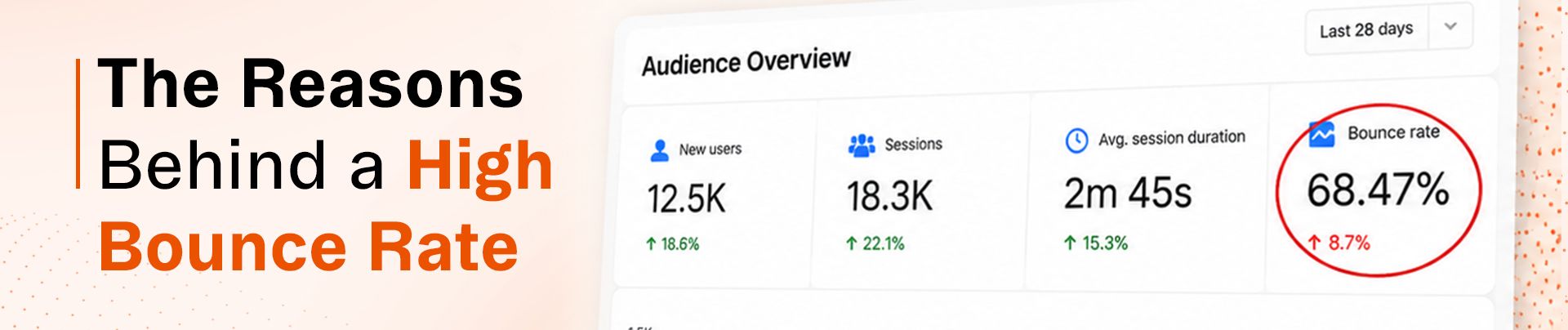
After reviewing hundreds of pages with weak engagement metrics, clear trends begin to emerge. In most cases, high bounce rates can be traced back to the same underlying issues:
Catastrophic Above-the-Fold Failures
Your hero section has only about three seconds to answer two critical questions: "Is this relevant to me?" and "Can this solve my problem?"
This is where feature-focused headlines often fall short. A headline like "Competitor Analysis Tool" simply describes the product without highlighting its value. In contrast, "See exactly how competitors outrank you and uncover their winning strategies in minutes" immediately communicates a clear benefit to the reader.
During a CRO audit of SaagaSolve's competitor analysis page, this issue stood out as one of the biggest problems. The page recorded an 80% bounce rate and an average engagement time of only 14 seconds. The hero section relied on generic, feature-based messaging instead of emphasizing the real benefits and addressing the pain points of its target audience.
No Interactive Elements or Tool Previews
This is particularly important for SaaS products and tool-focused pages. When you're promoting a tool, but visitors have no opportunity to view it, test it, or interact with it in any way, you're expecting them to make a decision without enough confidence.
For local service providers or B2B businesses where an interactive demo isn't practical, offer alternatives such as before-and-after comparisons, short video walkthroughs, or highlights from case studies. The objective is the same: give users a chance to experience the value first, then ask them to take the next step.
Wall-of-Text Syndrome
Think about this for a moment: when was the last time you carefully read every single word on a webpage? Most people don't. They scan the page for relevant information instead of reading it from top to bottom.
Long, unbroken blocks of text make it difficult to keep visitors engaged. If your content isn't structured for easy scanning with clear subheadings, bullet points, visuals, and enough white space, users are much more likely to leave the page.
This doesn't just affect user engagement; it also has SEO implications. Content that combines multiple formats, such as text, images, and videos, tends to perform better because modern search algorithms increasingly favor rich, multimodal experiences.
Weak or Buried CTAs
It's not unusual to come across pages where the main call-to-action (CTA) appears only after users scroll through several screens of content. In reality, many visitors never make it that far.
Your primary CTA should be placed above the fold so it's immediately visible, then reinforced at strategic points throughout the page. No matter how far a visitor scrolls, there should always be a clear and relevant next step available.
Missing Trust Signals
Trust signals are especially important on money pages because visitors often need reassurance before taking action. This can include client logos, customer testimonials, case studies, industry awards, certifications, or review ratings displayed in highly visible areas of the page.
During the audit, this issue became obvious right away. The page was asking visitors to spend time trying a new tool without providing any credibility indicators or proof of trust. Think about it: would you hand over your email address to a stranger with no credentials? Your visitors are no different.
Mobile Performance Issues
With Google's mobile-first indexing, a poor mobile experience affects more than just user engagement; it also influences how your pages are crawled and ranked in search results.
For example, a page that loads in 1.2 seconds on desktop but takes 6 seconds on a mobile device creates enough friction to encourage visitors to leave. Slow-loading images, poorly optimized mobile layouts, and small tap targets all add to the problem, increasing the likelihood of higher bounce rates.
Internal Linking Gaps
When visitors aren't ready to take action and can't easily discover related content, they're more likely to leave your site. Strategic internal linking helps guide users to relevant pages, keeping them engaged longer while reducing bounce rates and increasing the number of pages viewed per session.
Think of your website as an ongoing conversation. If each page leads to a dead end with nowhere else to go, that conversation comes to an abrupt stop.
The Practitioner's Playbook for Reducing Bounce Rate
The strategy that delivers real results begins with data, not assumptions or guesswork.
Identify Your Highest-Impact Problem Pages
Avoid trying to improve every page at the same time. Instead, use Google Analytics to identify:
- Conversion-focused pages (money pages) with bounce rates higher than 65%
- High-traffic pages that have low average engagement times
- Pages with strong backlink profiles but declining search rankings
Prioritize your money pages first. A blog post with poor performance is generally less damaging to your site's overall goals than a product or service page that fails to engage visitors or drive conversions.
Run a CRO Audit on Each Problem Page
Review each page methodically by evaluating every important element:
- Extract page-level data from Google Analytics
- Scrape the current live content of the page
- Perform Lighthouse performance audits
- Compare the page against CRO best practices
- Create a prioritized list of improvement recommendations
In testing, this complete workflow took just two minutes from the initial prompt to a set of actionable recommendations using AI tools. The AI agent uncovered eight specific issues on the competitor analysis page, including a weak value proposition, missing trust signals, and gaps in mobile performance.
Prioritize Fixes by Impact vs. Effort
Not every recommendation will have the same level of impact. Prioritize your improvements by grouping them into the following categories:
High-Impact, Low-Effort (Tackle First):
- Rewrite the hero section to communicate a stronger value proposition
- Add trust-building elements such as client logos and testimonials
- Improve the visibility and messaging of your CTAs
- Replace large text blocks with clear subheadings and bullet points
High-Impact, Moderate-Effort (Address Next):
- Introduce interactive features or product demos
- Add video content to increase engagement
- Optimize the mobile user experience
- Strengthen your internal linking strategy
Lower-Impact (Save for the Backlog):
- Make small visual or design refinements
- Run A/B tests on button colors
- Polish supporting microcopy throughout the page
Implement, Measure, Iterate
After implementing the improvements, give the changes 2–3 weeks to collect statistically meaningful data before evaluating the results. Then measure:
- Changes in bounce rate
- Changes in average engagement time
- Changes in conversion rate
- Changes in keyword ranking positions
In many cases, improvements in bounce rate begin to align with better search rankings within 4–6 weeks. This is when the relationship between CRO and SEO becomes clear, as both engagement metrics and ranking performance start improving together.
Does Bounce Rate Impact Conversion Rate?
Absolutely, but the relationship is more complex than a straightforward inverse correlation.
A high bounce rate usually suggests that visitors either aren't finding the information they expected or don't feel motivated to continue. As a result, conversion rates decline because users leave the page before reaching key conversion opportunities.
That said, it's also possible to have a reasonable bounce rate while still seeing poor conversion performance. This happens when a page keeps visitors engaged but doesn't effectively lead them toward taking action. That's why improving user engagement and conversion metrics together is essential.
The highest-performing pages typically do three things well:
- Capture visitors' attention immediately, resulting in a lower bounce rate
- Keep users engaged with valuable, well-structured content, leading to longer engagement times
- Offer clear and persuasive calls to action that encourage conversions
If any part of this journey breaks down, both user engagement and conversion performance are likely to suffer.
What's the Difference Between Bounce Rate and Exit Rate?
This is a concept that often confuses even experienced marketers.
Bounce rate tracks sessions where a visitor lands on a page and leaves without interacting further or visiting another page. In other words, they only view a single page before exiting.
Exit rate, on the other hand, measures the percentage of sessions that end on a particular page, regardless of how many pages the visitor viewed before leaving the website.
A high exit rate on a thank-you page or order confirmation page is completely normal because those pages naturally mark the end of a user's journey. However, a high exit rate on a product page or blog post may point to missing content, weak internal linking, or other issues that prevent users from continuing.
From an SEO perspective, bounce rate is generally the more important metric because it can indicate that visitors aren't finding what they expected immediately after landing on the page. Exit rate is more useful for identifying where users tend to leave during longer, multi-page journeys.
The Domain Health Factor Most SEOs Miss
One of the key insights that distinguishes professional SEO from beginner-level optimization is understanding that Google assesses the overall health of a domain, not just the performance of individual pages.
It's easy to assume, "My main service page is performing well, so that weaker secondary page doesn't really matter." In reality, that's a costly misconception. Underperforming pages within your site architecture can weaken your domain's overall authority and credibility in Google's evaluation.
If your money pages are showing bounce rates above 75% along with very low engagement, they can send negative quality signals even if those pages aren't your primary sources of revenue. Those signals have the potential to affect the ranking strength of your entire domain.
That's why optimizing bounce rates across all important revenue-focused pages is so valuable. You're not simply improving individual pages; you're enhancing your site's overall user experience, which strengthens your domain's performance as a whole.
Using AI Conversion Tools for Bounce Rate Analysis
The traditional CRO audit process usually involves several manual steps:
- Extracting data from Google Analytics manually
- Reviewing the page content by hand
- Running performance tests manually
- Comparing the findings against CRO best practices
- Compiling recommendations manually
Completing this process for a single page can take several hours. For agencies handling multiple clients or businesses with large websites, this approach quickly becomes difficult to scale.
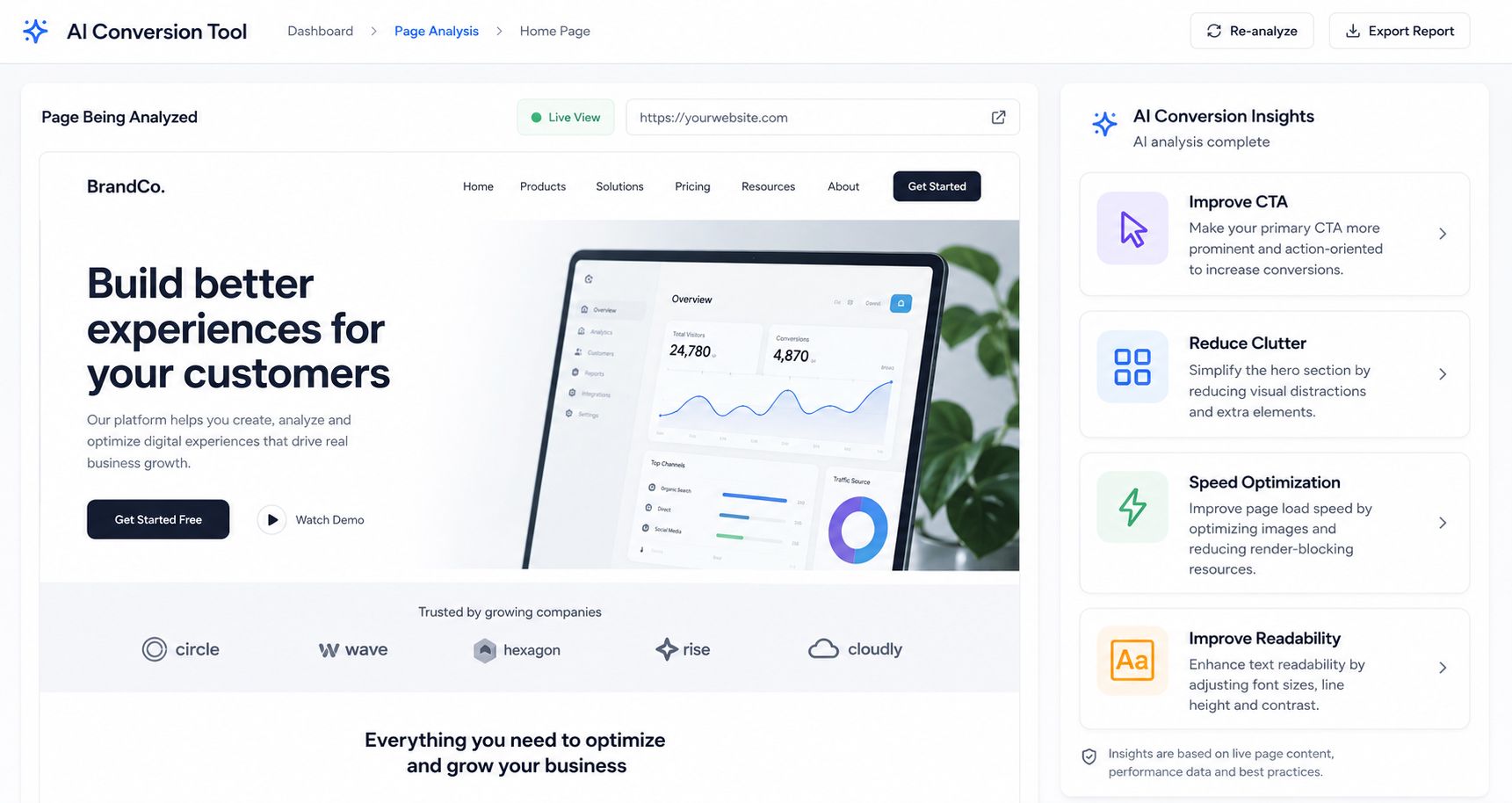
AI-powered CRO audit tools transform this workflow. Instead of spending hours on manual analysis, you can:
- Connect your Google Analytics and Google Search Console accounts
- Ask the AI agent to evaluate specific pages or automatically detect pages with performance issues
- Receive a detailed CRO audit that includes live page content, performance metrics, and prioritized recommendations
- Generate practical, implementation-ready fixes in minutes rather than hours
The most reliable AI tools also provide complete transparency. They display the exact Analytics data they collected, the live page content they analyzed, and the Lighthouse audit results they used, allowing you to verify the findings and minimize the risk of AI-generated inaccuracies.
This level of automation isn't meant to replace human decision-making. You still need to review the recommendations, prioritize them according to your business objectives, and implement the right improvements. What AI does eliminate is the time-consuming process of gathering data and performing repetitive analysis, making CRO audits significantly faster and more efficient.
Conclusion
Reducing bounce rate is about more than improving a single performance metric; it's about ensuring your user experience matches the intent behind every search. Since Google places significant importance on post-click engagement, enhancing elements like your hero messaging, content scannability, and mobile experience on your key money pages can improve rankings across your entire domain.
AI-powered platforms like SaagaSolve reduce what was once hours of manual CRO analysis to a two-minute audit, making it easy to identify and resolve user experience issues quickly. Success in organic search isn't just about attracting clicks; it's about keeping visitors engaged. Start auditing your high-bounce pages today to transform lost traffic into stronger rankings and higher conversions.